
Run your truck from the palm of your hand.
Take orders, update your menu and plan your next pitch from one app. Built for food trucks, pop-ups and stalls.


For food traders and land owners — not for ordering food.
Everything you need to run the rush.
Orders, menu, schedule and payments in one place, so you can keep serving when it gets busy.
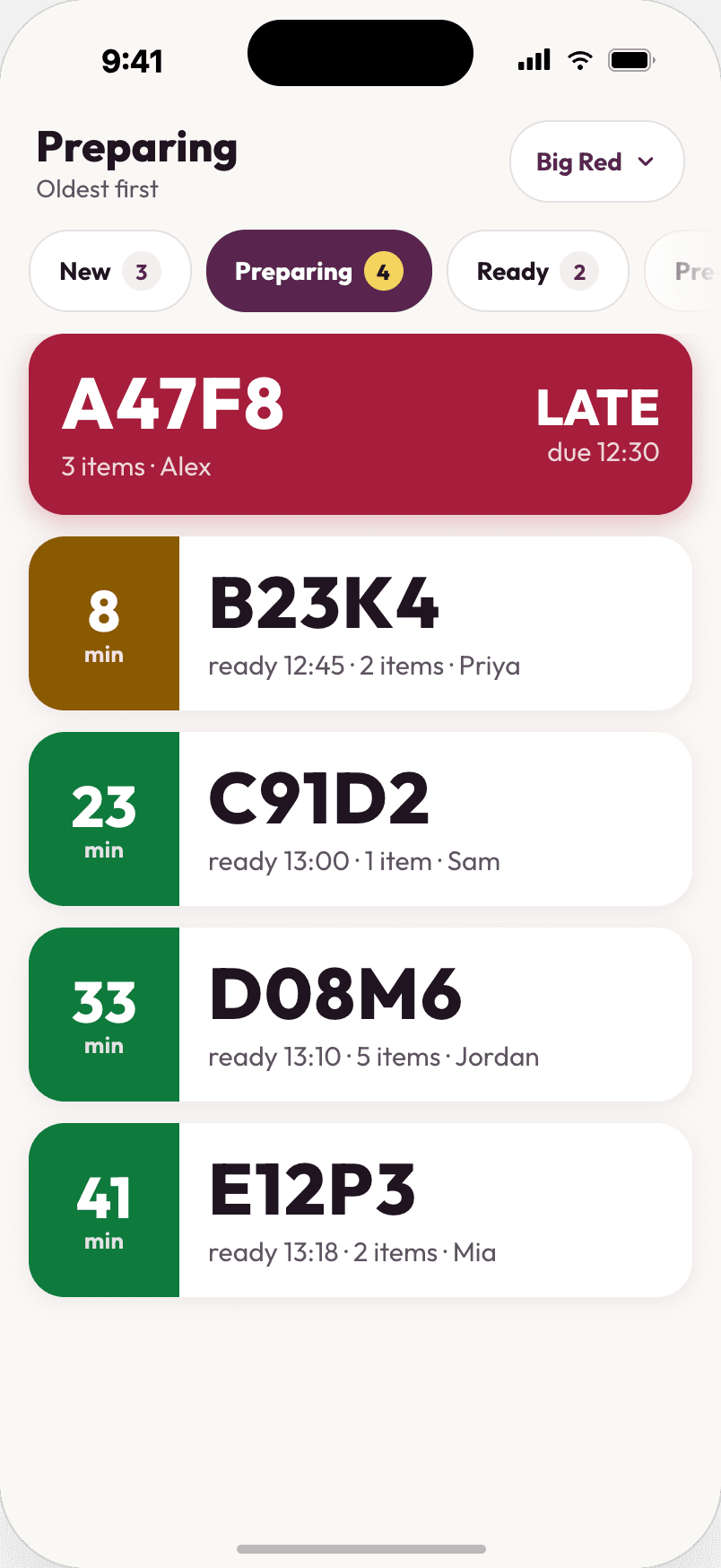
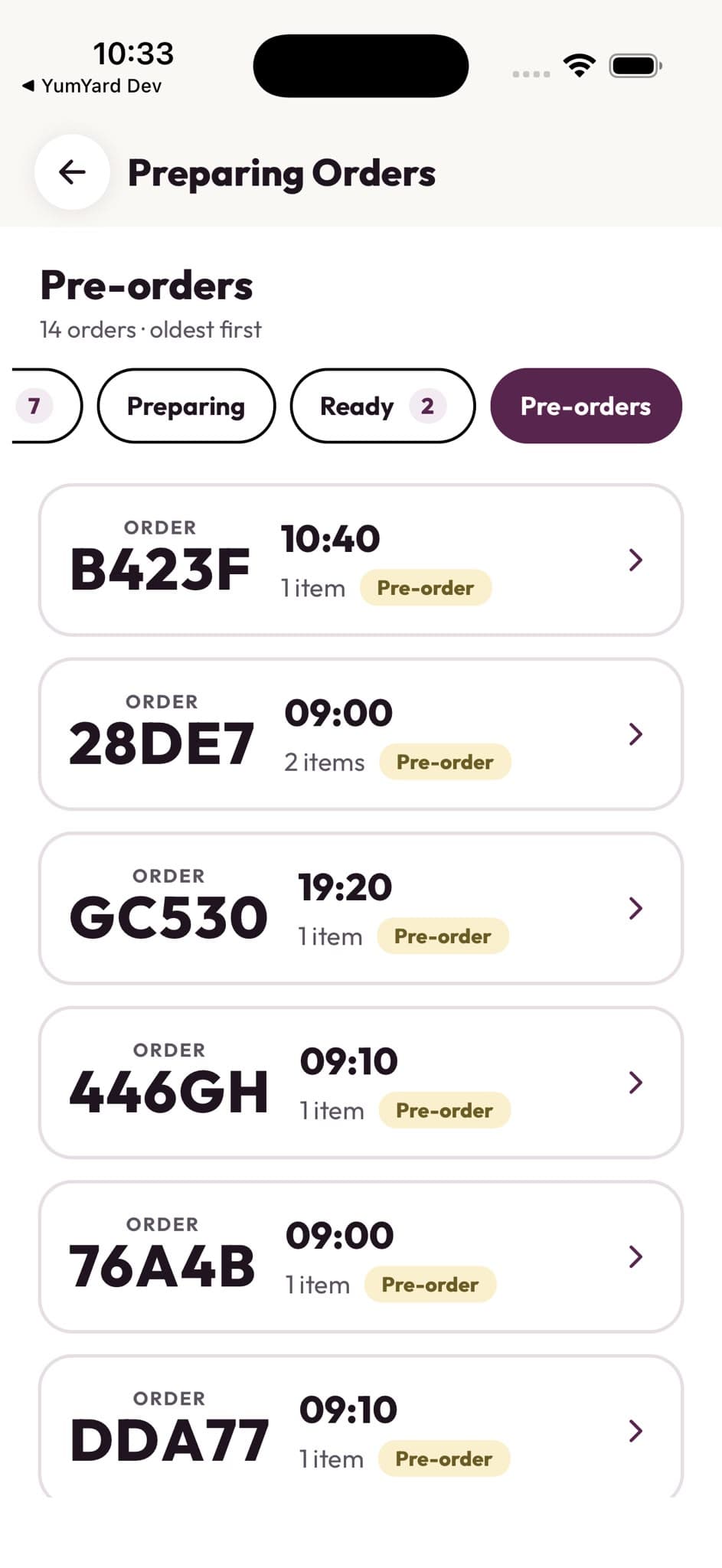
Real-time orders
One queue, clear statuses and a buzz when a new order lands. Accept, decline or refund in a tap.
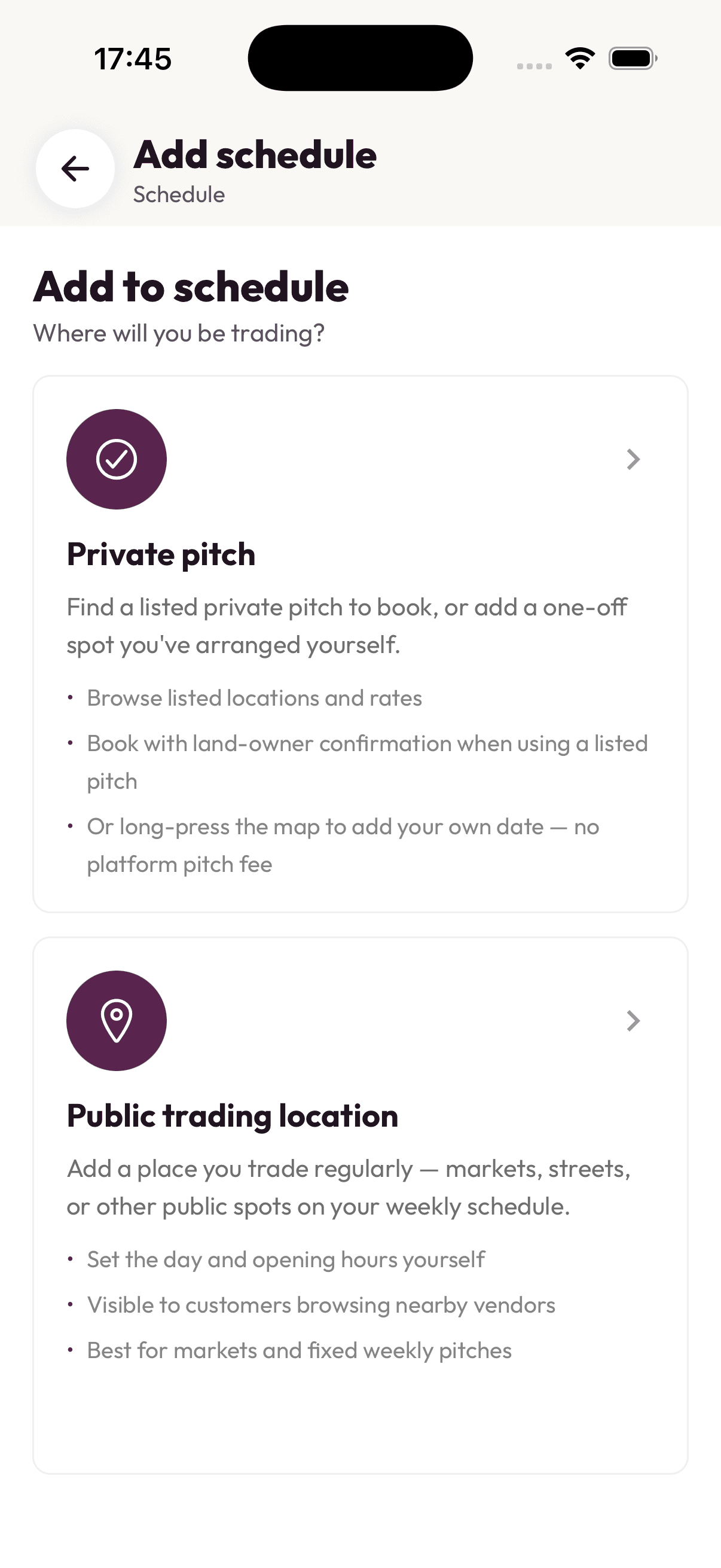
Smart scheduling
Pick your next pitch with nearby events and the weather forecast alongside the map.
Menu updates in seconds
Add a special, mark something sold out or change a price mid-service. Customers see it straight away.
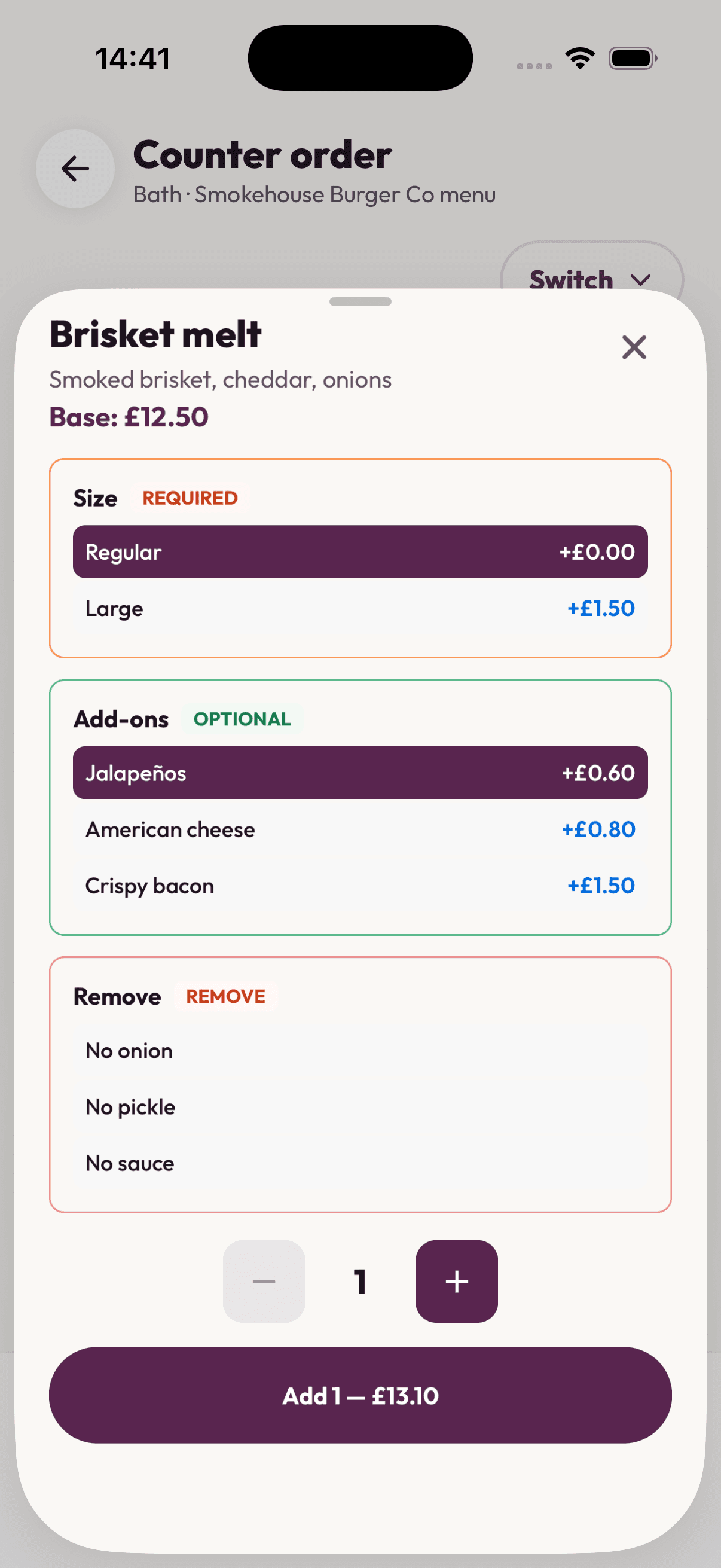
Counter sales
Ring up walk-up customers from the same menu and take contactless payment on your phone.
Manage, analyse and schedule your days
Know where to go, when to open and what actually sells.
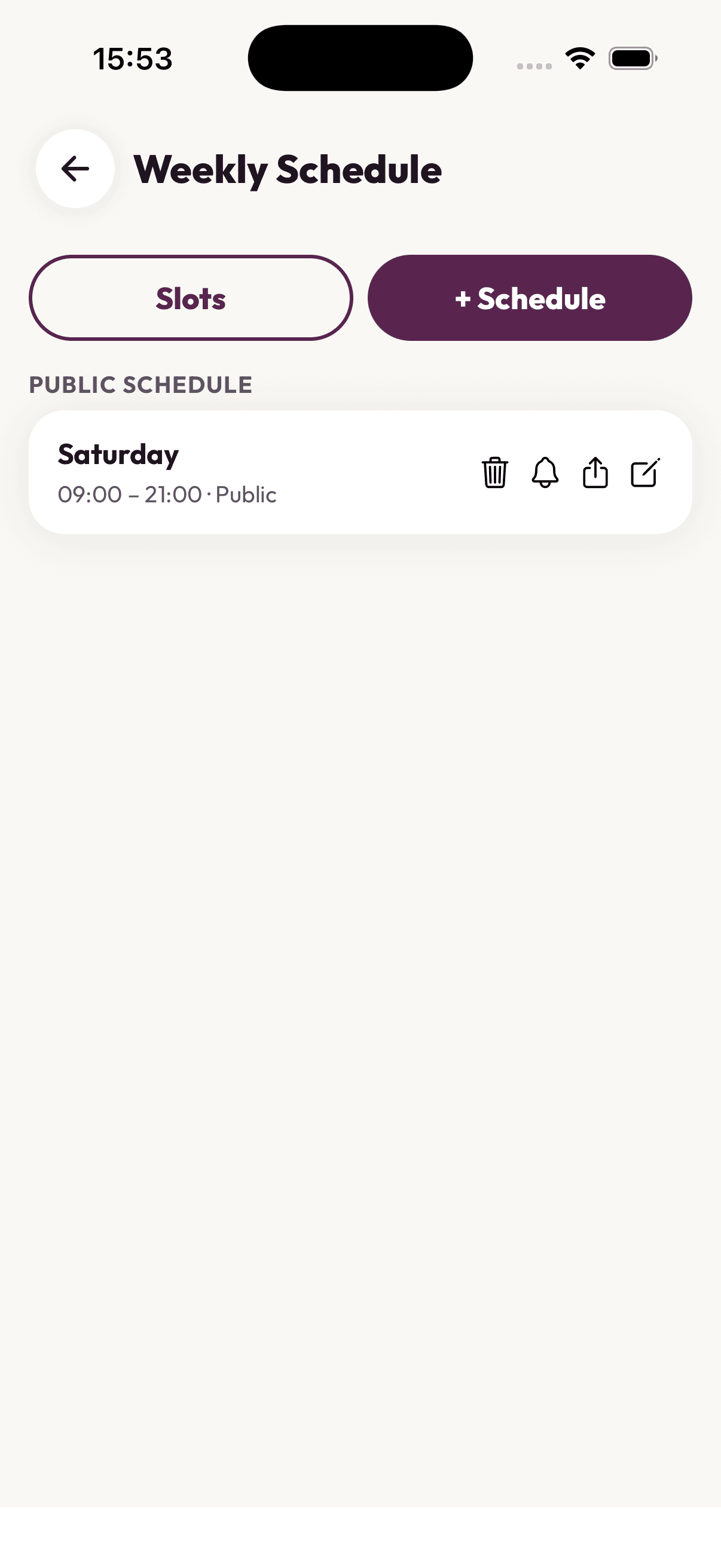
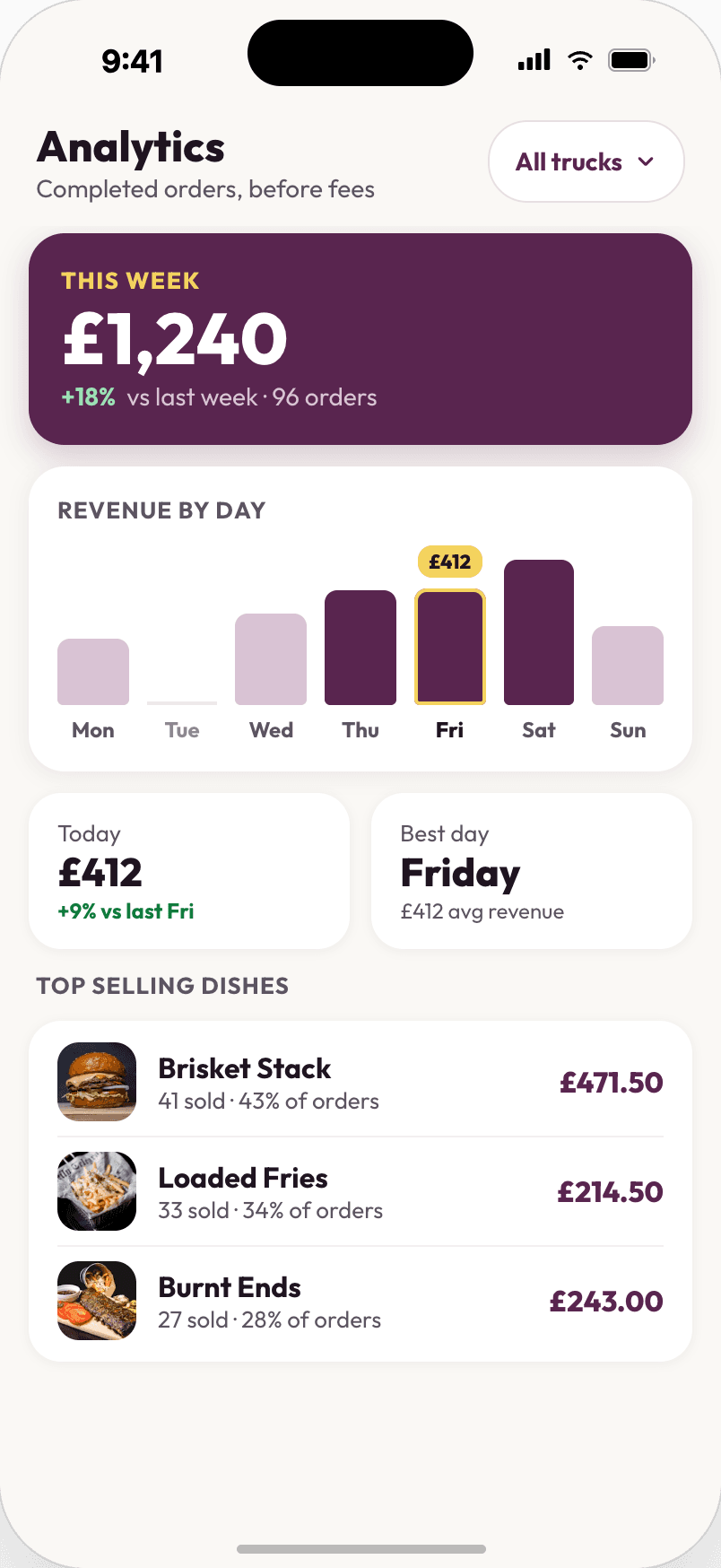
Manage schedule
Set your hours and location so customers know where to find you. Approved pitch bookings go straight in.
View analytics
Top sellers, this week's revenue, today against yesterday. Per truck if you run more than one.
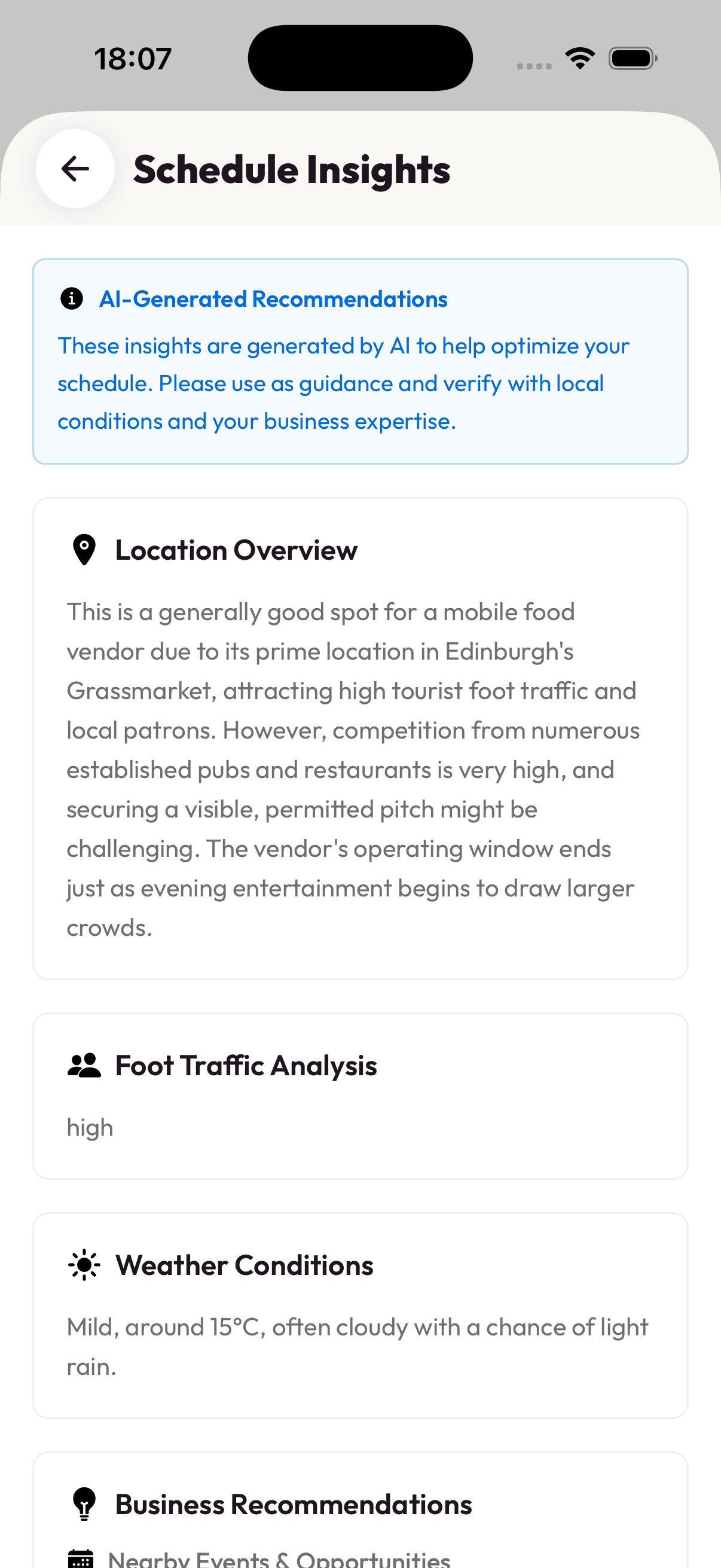
Smart schedule insights
A read on local demand, weather and the best times to trade at each spot.
No card reader.
Just your phone.
- Open Tap to Pay from your business overview.
- Add items from your menu. It's the same one customers order from online.
- Customer taps their card, Apple Pay or Google Pay on your phone.
- Done. Stripe handles the payment. Send a receipt if they want one.
Works on iPhone and Android phones with NFC. Requires completed Stripe onboarding.
Pitch with confidence
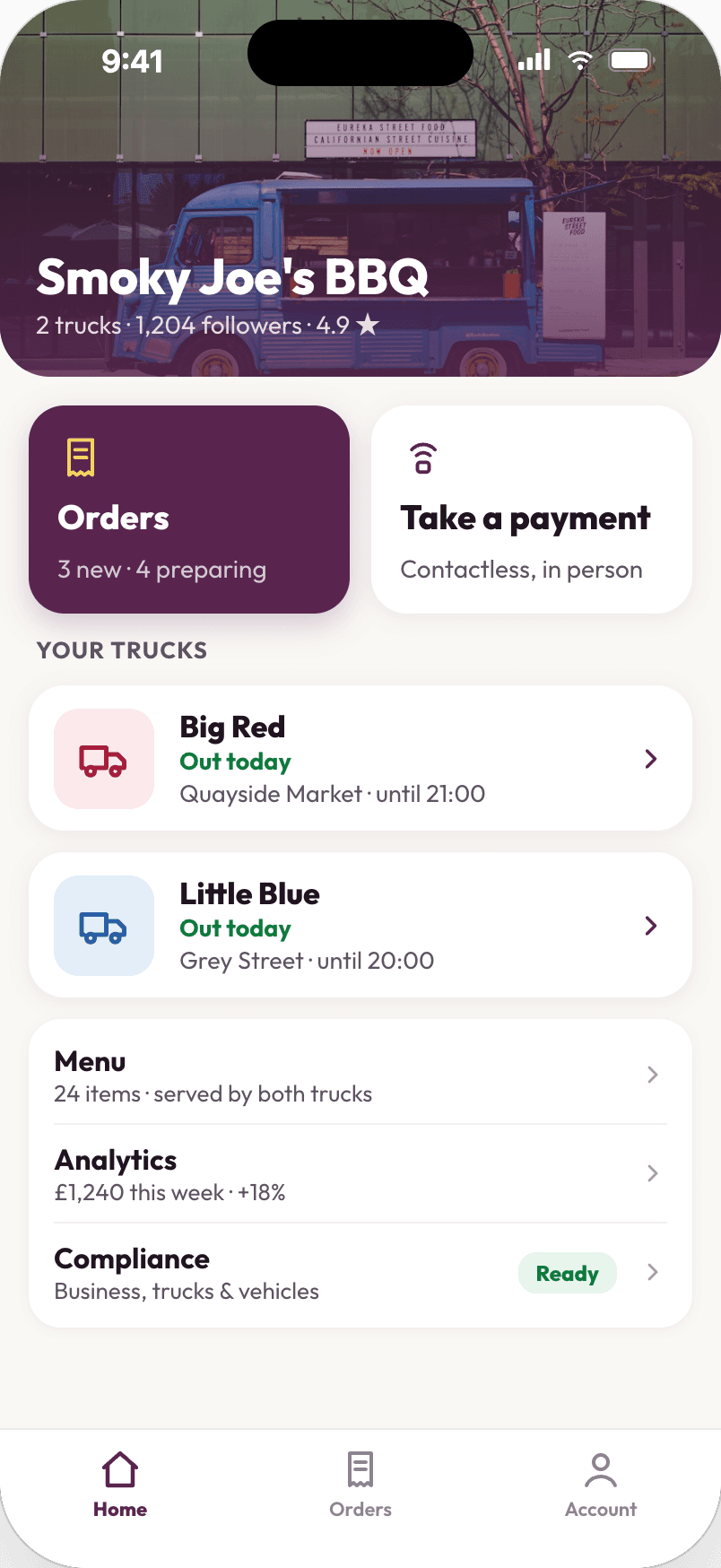
YumYard checks you’re trading in the council area you’re registered with, and helps you pick a good spot within it.
Council-area verification
Your food hygiene registration is tied to your local council. When you drop a pin on your schedule, YumYard checks whether it falls inside that council’s area, so you know you’re trading where you’re registered.
- Upload your local authority certificate in-app
- Map-based council boundary verification
- Clear match or mismatch feedback before you save
- Certificate validation required before customers can find you
Schedule insights
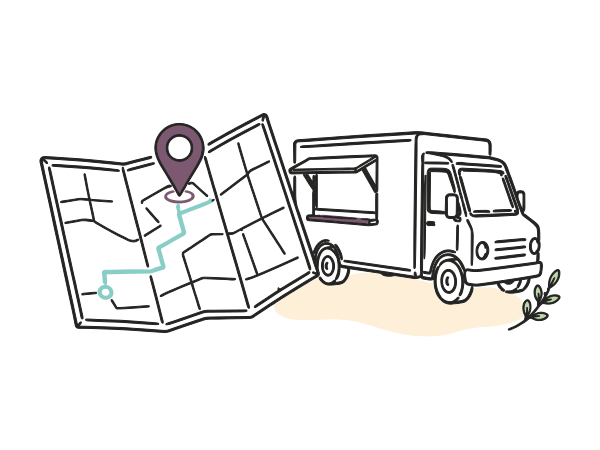
Before you set off, YumYard pulls in nearby events and the forecast and gives you a plain summary of likely footfall and whether your hours line up with the crowds.
Location overview
Does this spot suit a mobile vendor? A straight answer.

Foot traffic
Low, medium or high, with context on why.
Weather
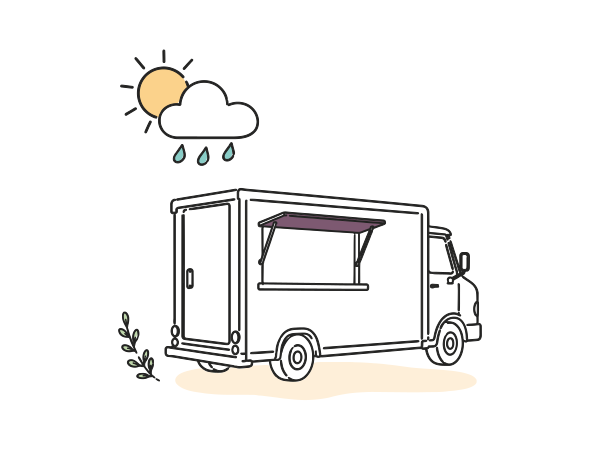
Practical guidance for your day and time window.

Event-led tips
Suggestions tied to what's happening nearby.
Plan your trading day

Validate
Upload and validate your council certificate.
Pick
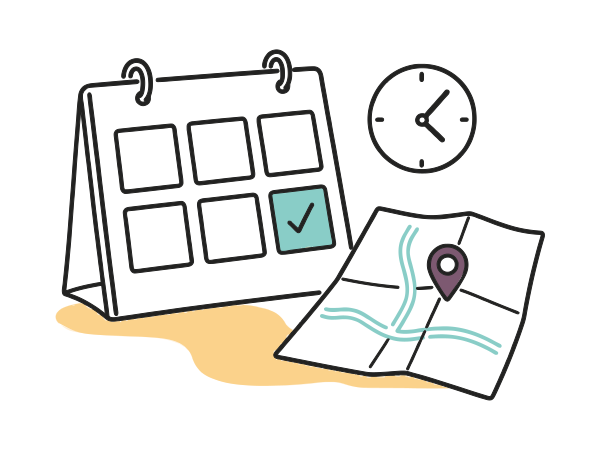
Choose your day, hours and map location.

Confirm
Council authority verified for that pin.

Insights
Get schedule insights for that pitch.
Go live
Save your schedule. Customers can find you.
Insights are automated guidance to help you plan. Always check conditions on the day and sort any site permissions you need.
Things people ask before they join
How does YumYard help mobile vendors?
Can I update my menu during service?
Does it work for food trucks and pop-ups?
How does booking a private pitch work?
What do I need to go live?
I just want to order food — wrong app?


We’re ready to serve your smoothest day when you are
YumYard Vendor is live. Download it, set up your menu and schedule, and take your first order today.
For food traders and land owners — not for ordering food.